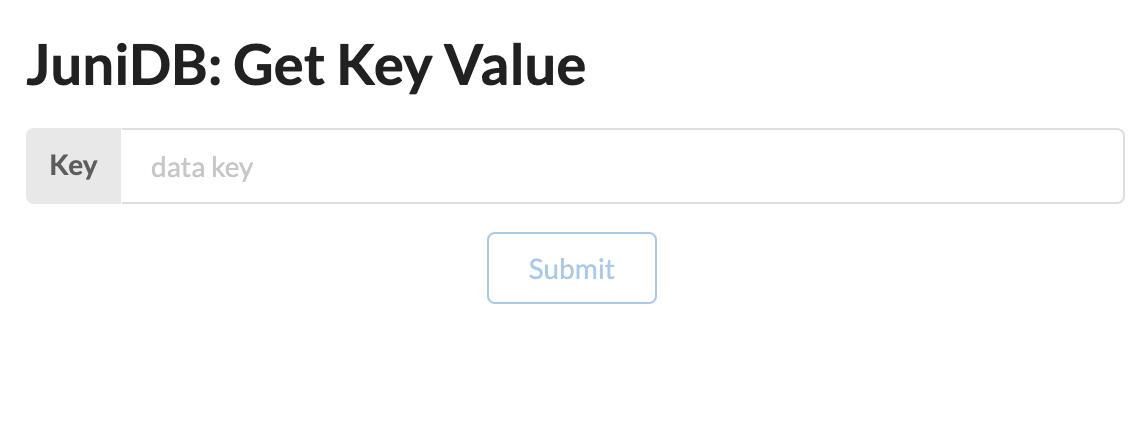
Previewing the functionality in a UI
If you’re looking for a quick demo of the functionality, the simplest thing to do after running the Docker container's default command is to launch the juni-ui UI.
Instructions
-
If you have node.js and yarn installed on your machine, run the following commands:
git clone https://github.com/uddugteam/juni-ui cd juni-ui yarn install yarn start -
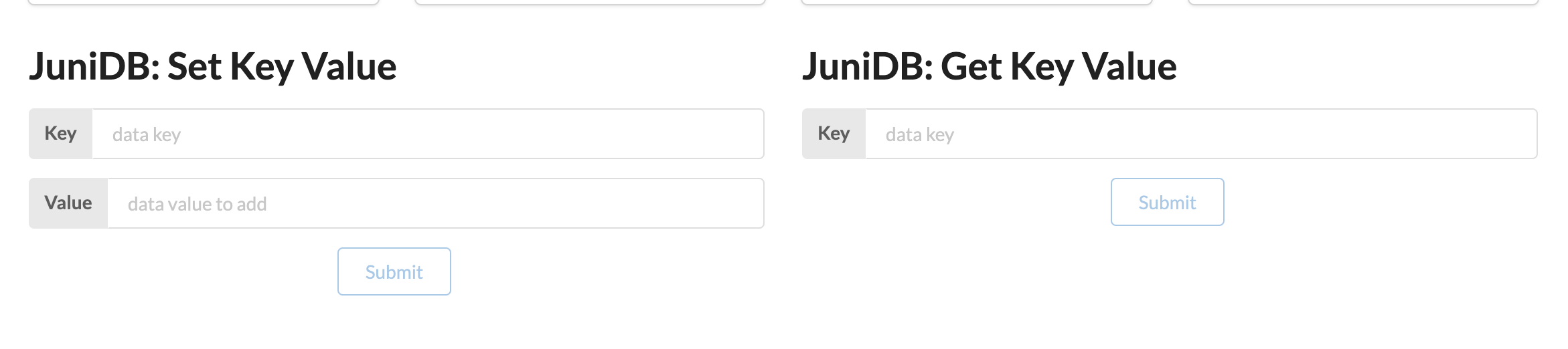
Once the UI opens in your browser you will see a JuniDB block at the top.
-
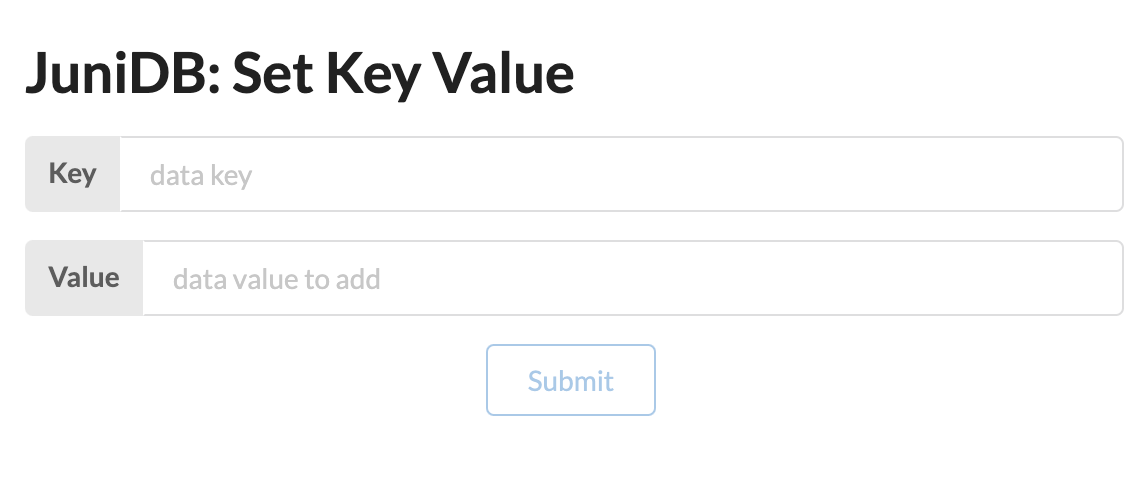
For add new data to database you should write key and value in Set Key Value form fields and click to submit button.
-
Then, to query data by field you should write key in Get Key Value form.